


personal finance that lives on your phone. every account, every transaction, one budget.
no account, no server, no ads. your finances stay on your iphone.
what it does
nothing to type in. shekel reads last month's income and fixed costs and spreads what's left across the days of this month.
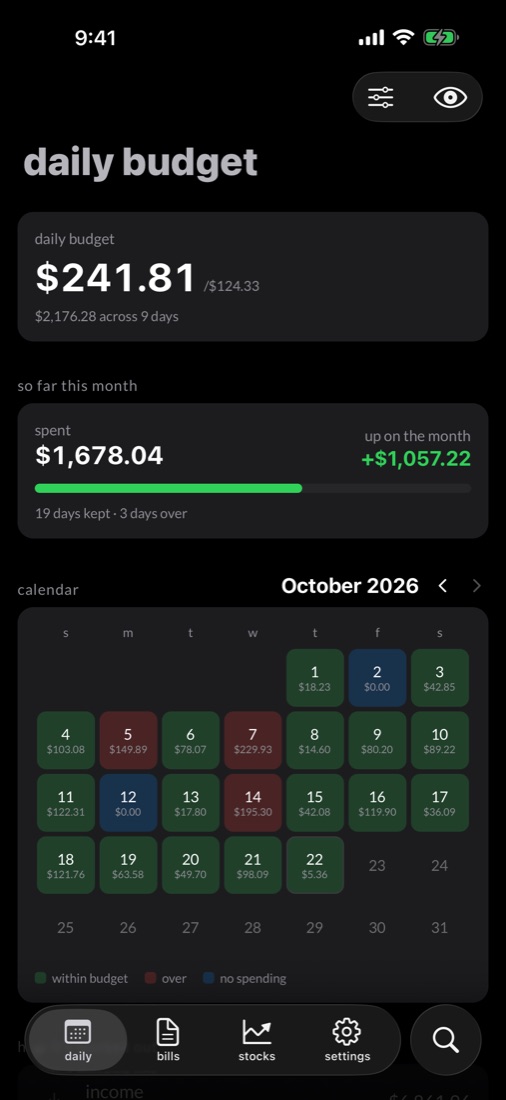
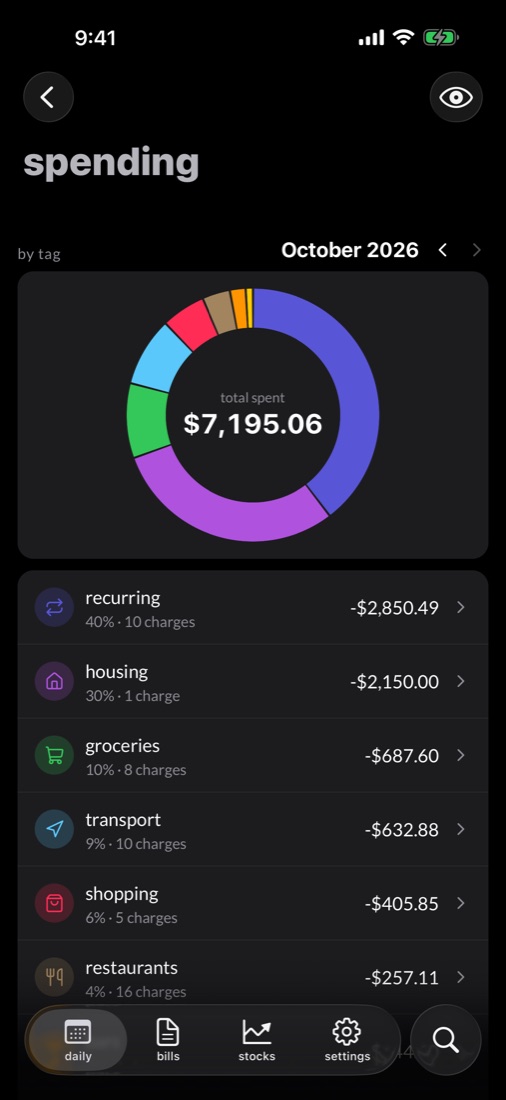
whatever you don't spend today carries into tomorrow. the calendar marks every day kept or blown.
set aside a percentage of the spending you pick, and the daily number makes room for it.
payee rules tag transactions as they arrive. anything untagged waits in an inbox.
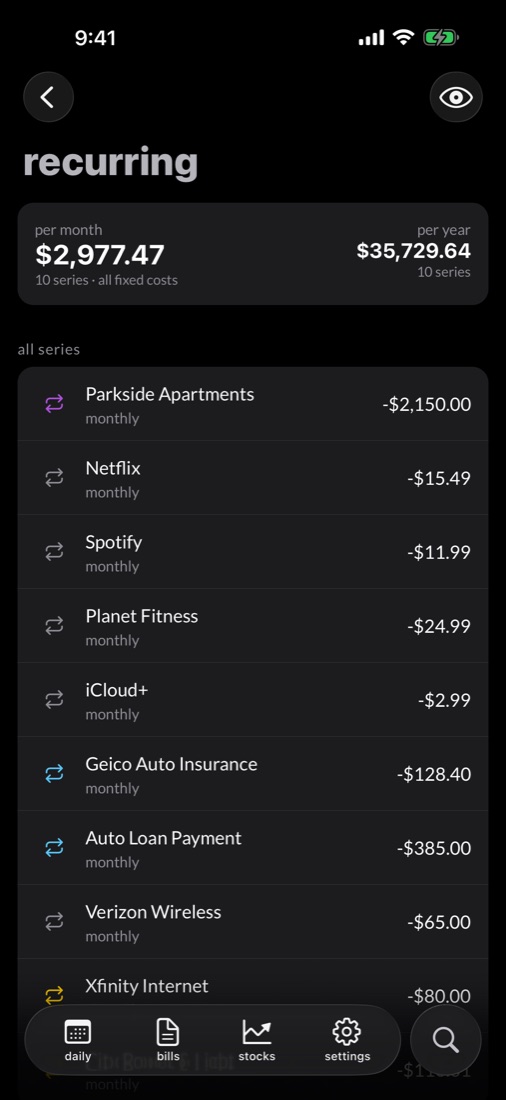
rent, subscriptions, insurance and loans, grouped by payee with what's due next.
checking, savings, cards, loans and brokerages through simplefin, and apple card, cash and savings straight from your phone.
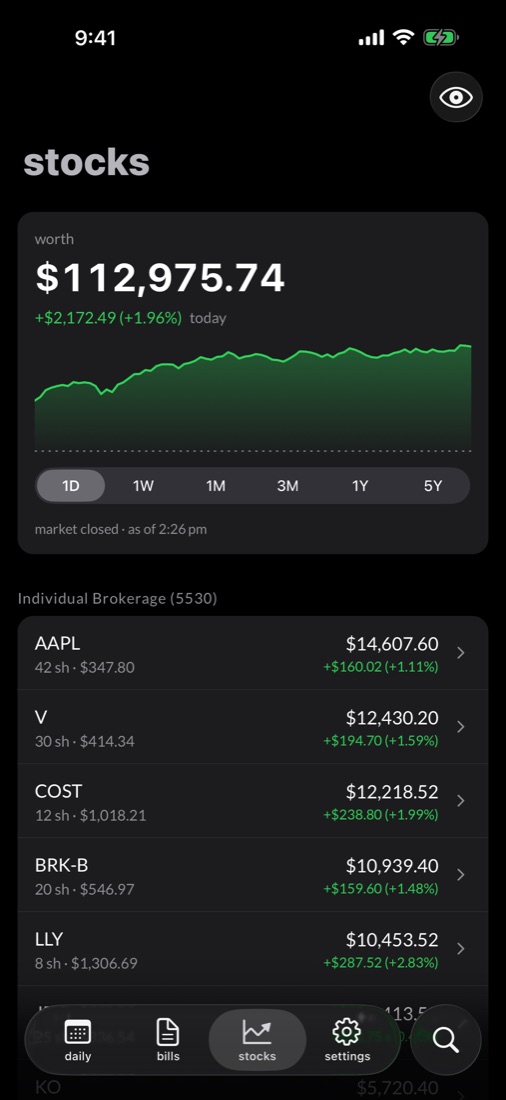
a chart from one day to all time, for everything or any single account.
holdings and their value, streaming while markets are open. buys and sells are picked up from the feed.
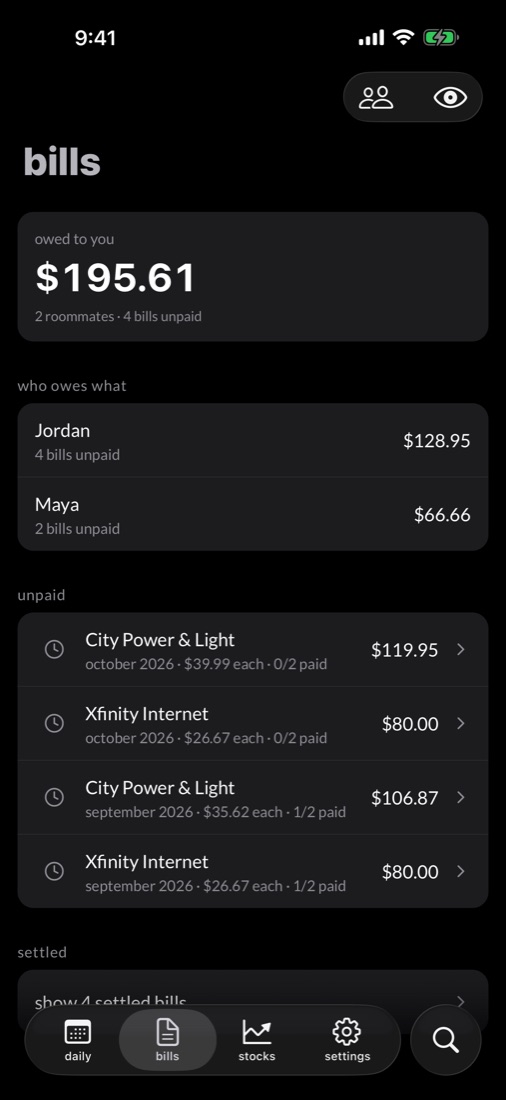
utility charges split evenly with roommates, with a venmo link for each share. your budget only counts your part.
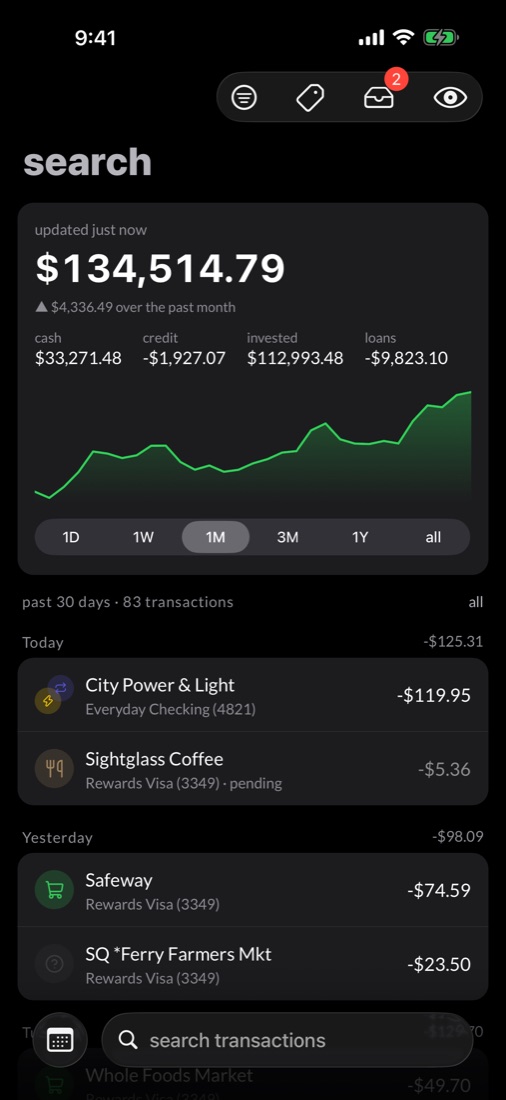
one searchable feed of every transaction across every account.
privacy
shekel collects nothing. there are no analytics and no tracking, and the developer never sees your data. read the privacy policy.
there's nothing to sign up for. open the app and connect your banks.
your data is stored on your iphone. there's no shekel backend to hold it.
locks on launch and whenever you come back. one tap hides every amount on screen.
automatic backups go to your icloud drive, and restore onto a new phone.
getting started
shekel gets your bank data from simplefin bridge, an independent service you subscribe to separately. apple card, cash and savings connect on their own.
download it from the app store. it runs on iphone.
sign up at simplefin bridge (about $15 a year, paid to them), link your banks, and create a setup token.
in shekel, open settings → sync sources → simplefin bridge, paste the token and tap connect and sync.